

Paper, digital or Notion
Paper vs Digital Business Planner
4.8 on Google · Trusted by thousands since 2019
There is no right format, only the one you will open every day. MY PA uses the same planning system in print, on tablets and e-ink devices, and in Notion, so you can choose by how you like to work.
The short answer
Is a paper or a digital planner better for running a business?
Paper is better for thinking, focus and seeing the whole week at once. Digital is better for searching, duplicating pages and carrying everything on one device. Many business owners use both.
- Choose paper if you think more clearly away from a screen and notifications.
- Choose digital if you already work on an iPad or an e-ink tablet.
- Choose Notion if you want your planning beside your clients, tasks and CRM.
How MY PA helps
The same system in three formats
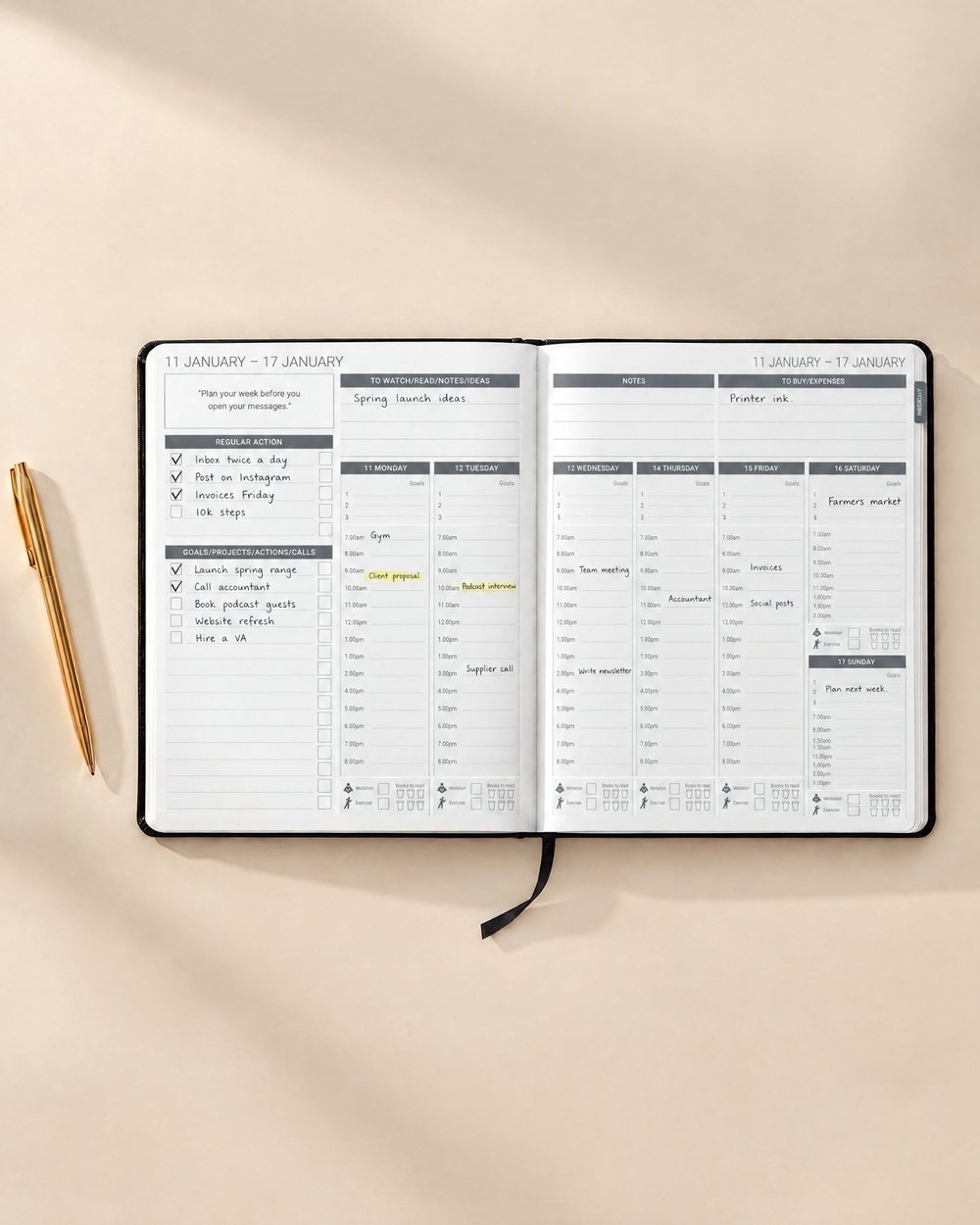
Whichever format you pick, the structure is the same: yearly goals, monthly projects, weekly priorities and daily time blocks.
Printed planner
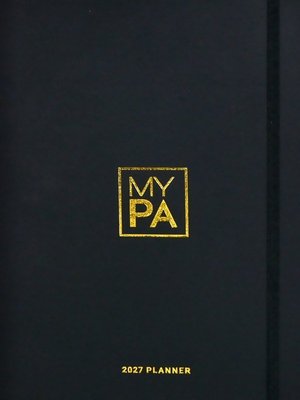
A dated January to December 2027 planner, 24 x 18 cm, with a lay-flat binding, 120 gsm paper and a vegan leather cover in eight colours.
Digital planner
A hyperlinked planner you download instantly and use in apps such as GoodNotes, Notability and Noteshelf, or on reMarkable, Kindle Scribe, Supernote and Onyx Boox.
Notion
The MY PA Planner for Notion covers daily to yearly planning. Business HQ adds goals, a CRM, clients and planning in one workspace.
At a glance
What you need, and where to find it
| What matters to you | Best fit |
|---|---|
| Seeing the whole week at once | Paper |
| No notifications while you plan | Paper or e-ink |
| Search and duplicate pages | Digital or Notion |
| Nothing extra to carry | Digital or Notion |
| Instant delivery | Digital or Notion |
| Client records and a CRM | Notion (Business HQ) |
| A gift for a business owner | Paper |
For focus and a full-year view: the printed MY PA 2027 Planner.
For iPad and e-ink tablets: the MY PA Digital Planner, as an instant download.
For running the business in one workspace: the MY PA Planner for Notion or Business HQ.
Choose your planner
The MY PA range
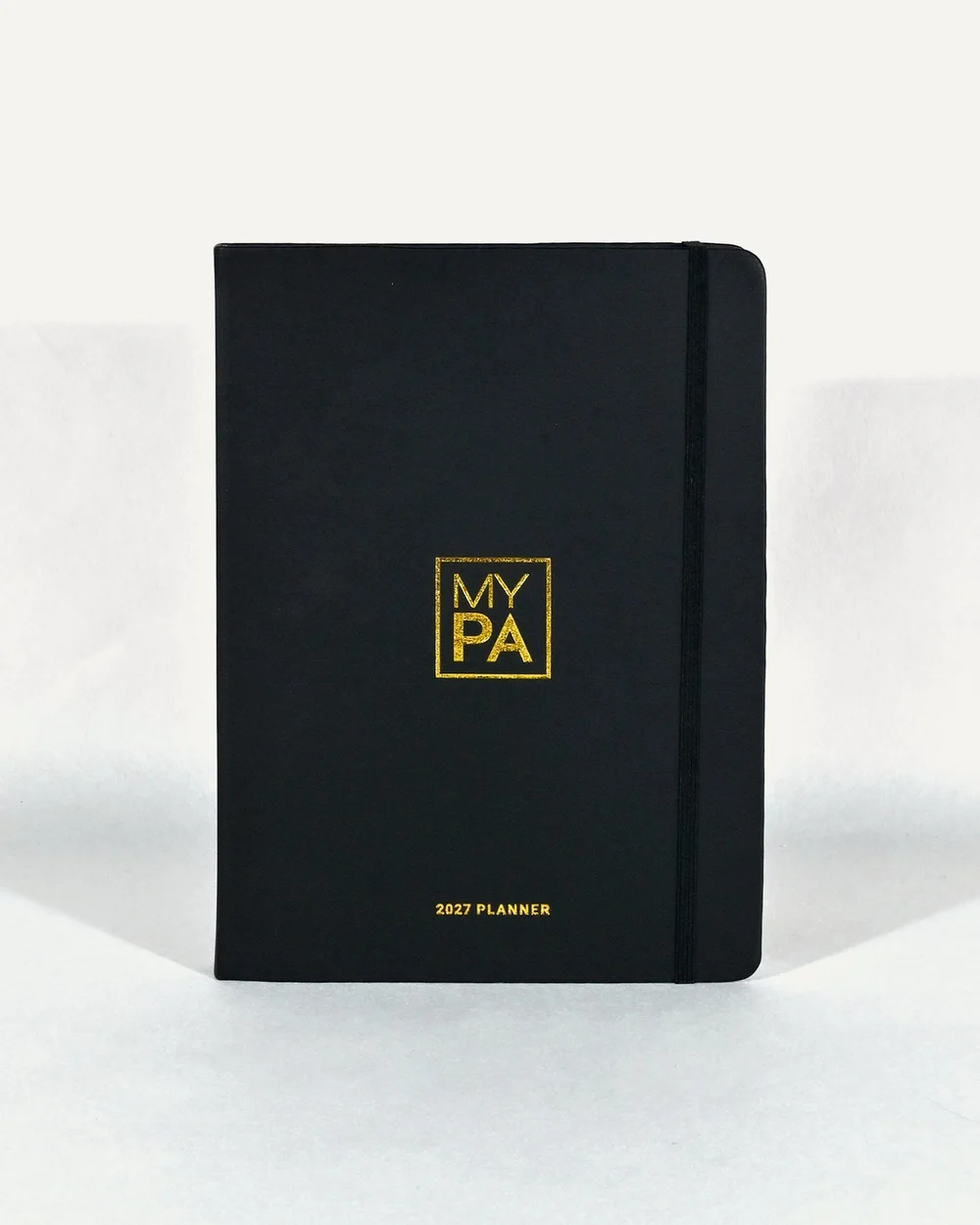
The dated yearly planner: goals and vision, business plan, monthly calendar, projects, weekly and daily pages, marketing and money, and reviews. Eight colours.
Shop the 2027 Planner
The same system as a hyperlinked digital planner for iPad, GoodNotes, Notability, Noteshelf, reMarkable, Kindle Scribe, Supernote, Onyx Boox and Android. Instant download.
Shop Digital Planners
An undated daily pad: top 3 priorities, hourly time blocks from 5am to 8pm and a daily wellbeing check-in. 90 sheets, A4 landscape.
Shop Power Pages DailyQuestions
Frequently asked questions
Are printed planners better than digital ones for business?
Neither is better for everyone. Printed planners help with focus and with seeing the week at a glance. Digital planners are searchable and always with you. The better one is the format you will use daily.
Is there a digital business planner for iPad?
Yes. The MY PA Digital Planner is a hyperlinked planner for iPad that works in apps such as GoodNotes, Notability and Noteshelf. It is an instant download.
Where can I download a digital business planner?
You can download the MY PA Digital Planner from the MY PA website. Choose your device or app, and the file is delivered straight after checkout.
Where can I find a business planner for Notion?
MY PA sells two Notion products: the MY PA Planner for Notion, for daily to yearly planning, and Business HQ, which adds goals, a CRM, clients and planning.
Can I use paper and digital together?
Yes. A common setup is a calendar app for appointments, a paper planner for goals and the weekly plan, and a digital or Notion workspace for client records.
Try the system free
Download the free 2027 planner and see which format suits you.